How to create a Project Listing Page
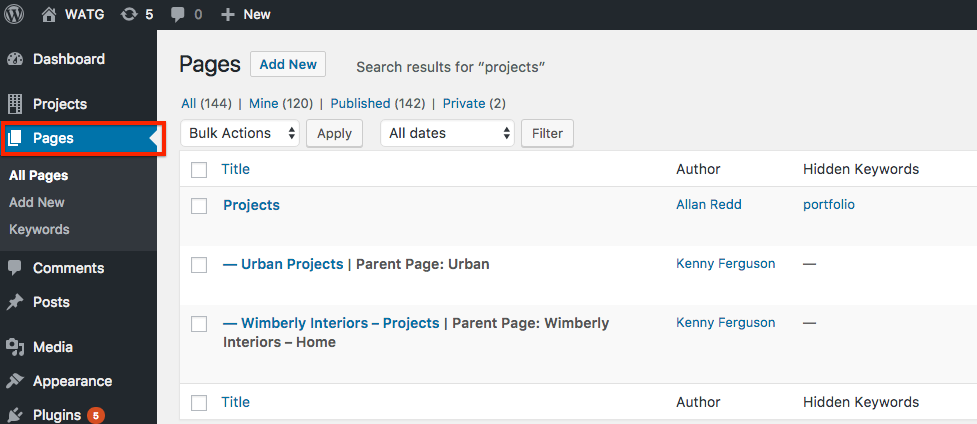
A Project Listing Page is a Standard Page. For reference, see the WATG Project page or the Wimberly Project page.
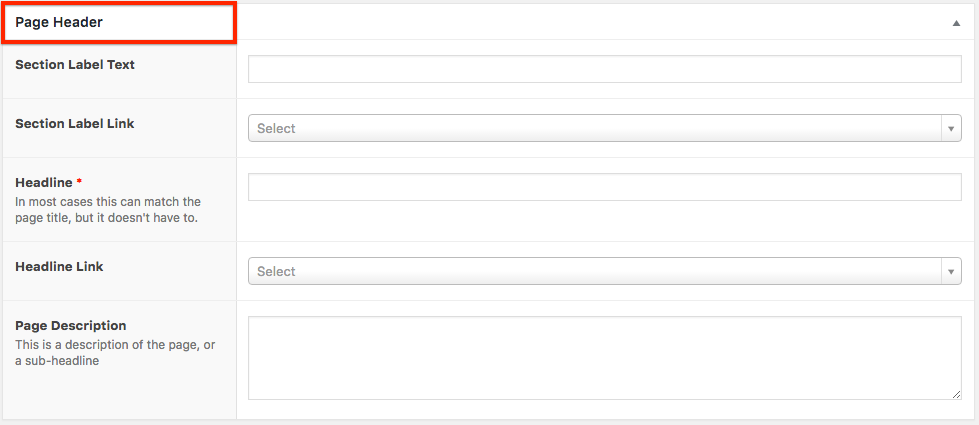
Step 1. Complete all fields in the Page Header with the exception of the Section Label Link and the Headline Link.
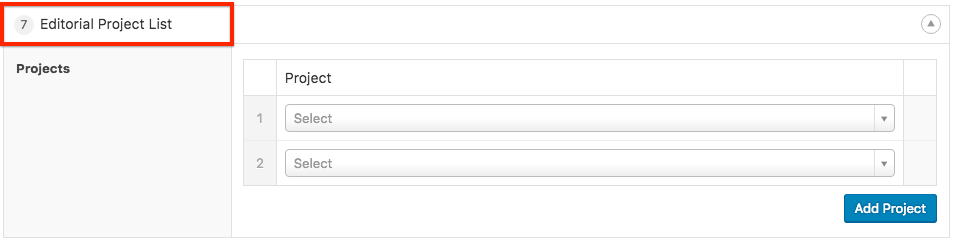
Step 2. Add the Editorial Project List component. An infinite number of projects can be added. Note that these pages are editorially ordered, so when a new project is added, it must be manually added to a project listing page to appear.